

Everything in one place.
Nothing you don't need.
Chronicle Vault is built around a single idea: your worldbuilding and your manuscript belong together. Here's how it works.
Start before you're sure of anything.
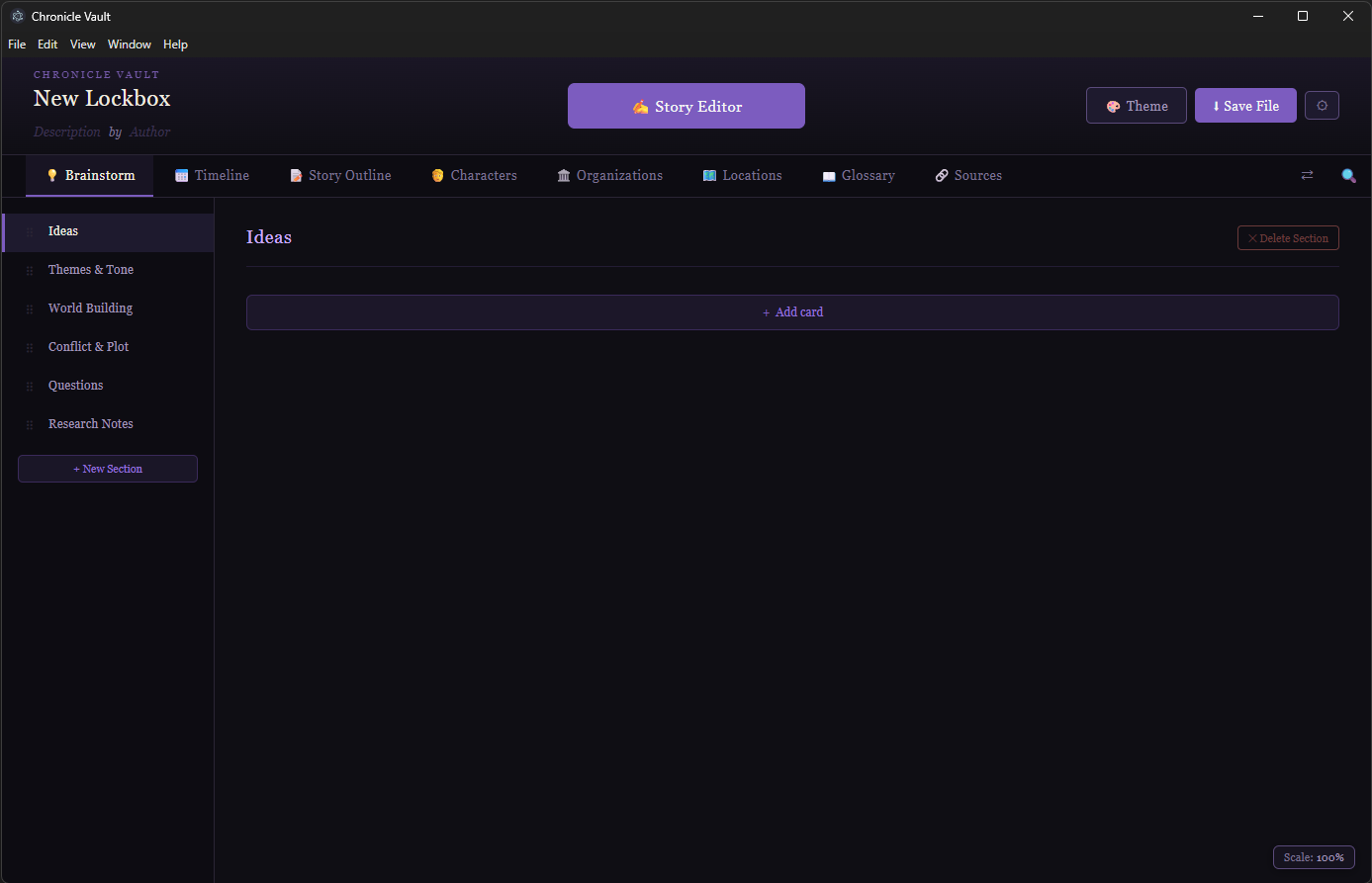
Every Lockbox opens to Brainstorm — a loose, low-pressure space for ideas that don't have a home yet. Organize them into cards and notes when you're ready. No structure required to get started.
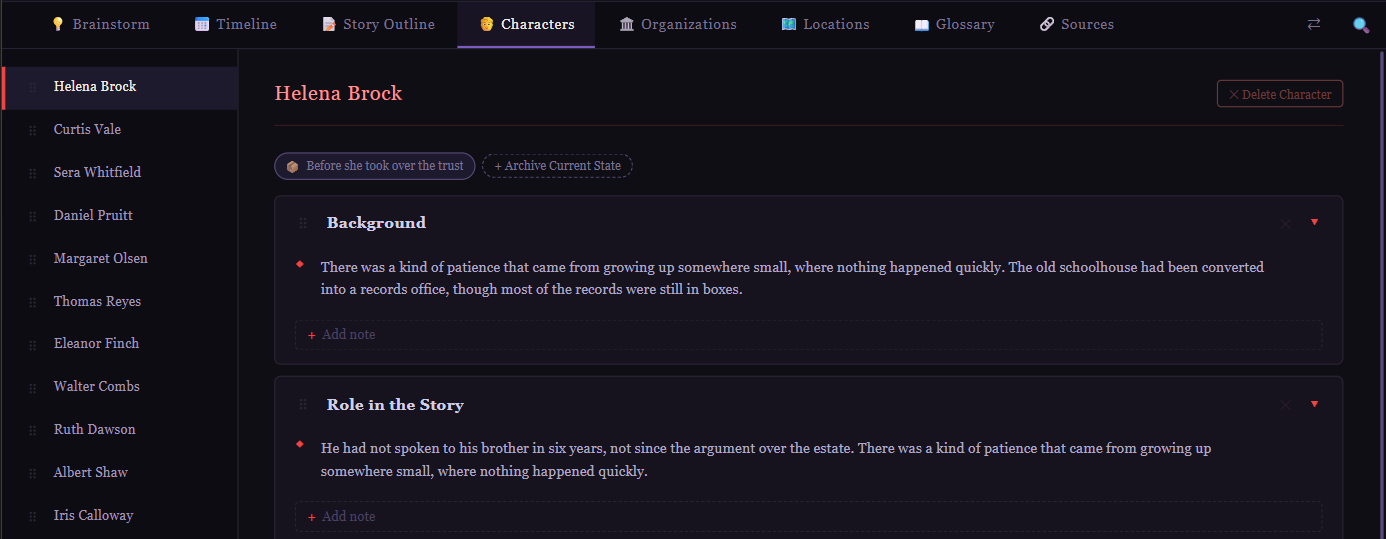
Snapshot a character. Keep writing.
As ideas solidify, give them a real home. When something changes — an injury, a betrayal, a city falling — archive the current state under whatever name makes sense. The live entry keeps going. The archive stays frozen, exactly as it was.
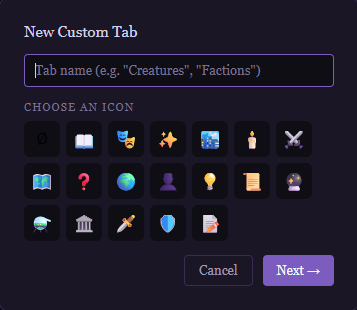
Build the tool your project actually needs.
Every project is different. Create custom tabs for anything your world requires — Creatures, Factions, Evidence, Props, Suspects, Ships. Custom tabs work exactly like the built-in ones: entries, cards, notes, archives, backlinks, and full integration with the linking system.
Browse your cast at a glance.
Switch any sheet tab between a traditional sidebar list and a visual grid of tiles. Each tile shows the entry's name, color, and a summary of its content. Click any tile to open the full entry. Upload a photo for character tiles, or let the app generate initials on a color-matched background.
A history that won't contradict itself.
Lay out the events of your world in order: wars, treaties, betrayals, whatever your story needs. Link them to the people and places involved, and let your timeline hold the history so you don't have to.

Structure the story whenever you're ready for it.
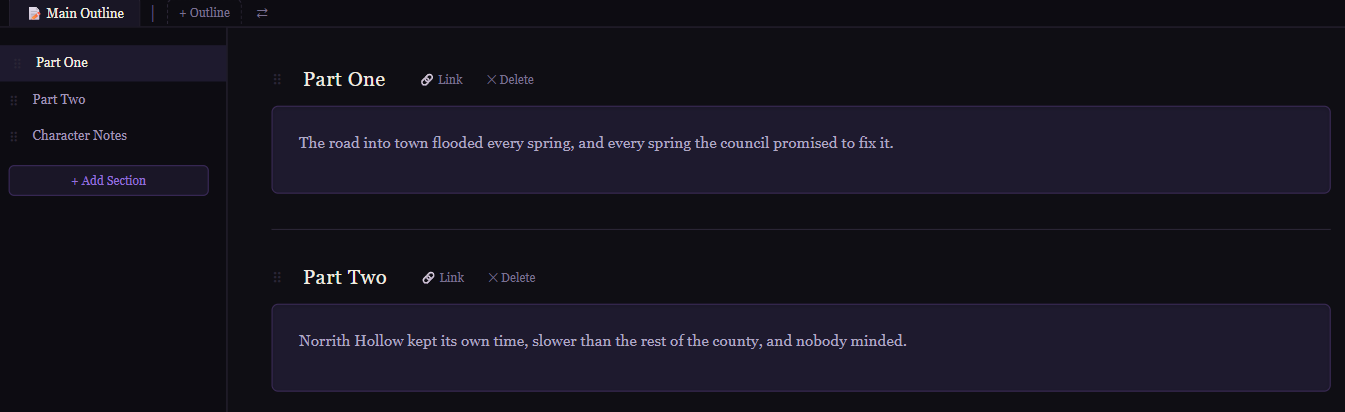
Some writers outline first, some write into the dark and structure later. Either way, lay out sections of your story, link them to the people, places, and events they depend on, and keep the shape of the whole thing visible as you write.
Connect everything you've built.
Highlight any word inside a note, chapter, or description and link it to the entry it belongs to. No setup, no configuration — a click or two from wherever you're already writing. Rename anything later and every link updates automatically.
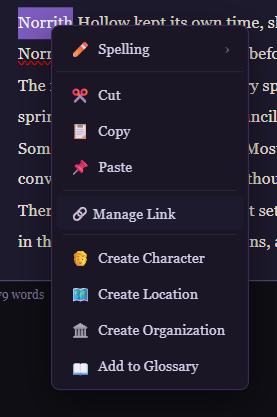
This is what makes a sprawling project navigable.
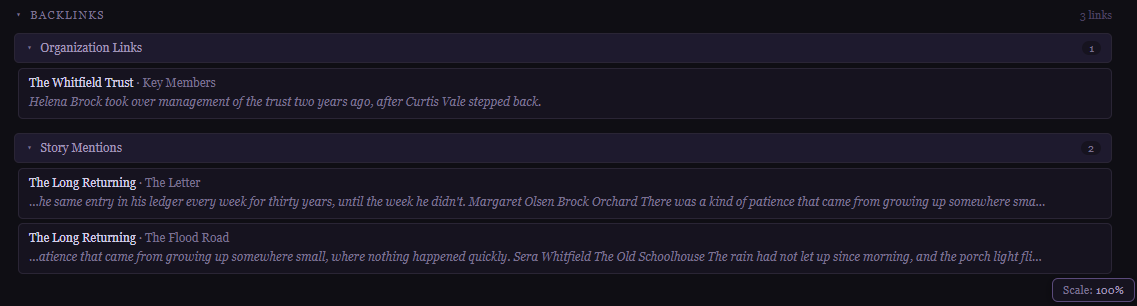
Every entry has a Backlinks panel showing every chapter, note, and other entry that links to it. Find every place your villain shows up, every chapter that touches a location, without ever digging for it by hand.
Everything you built feeds the story.
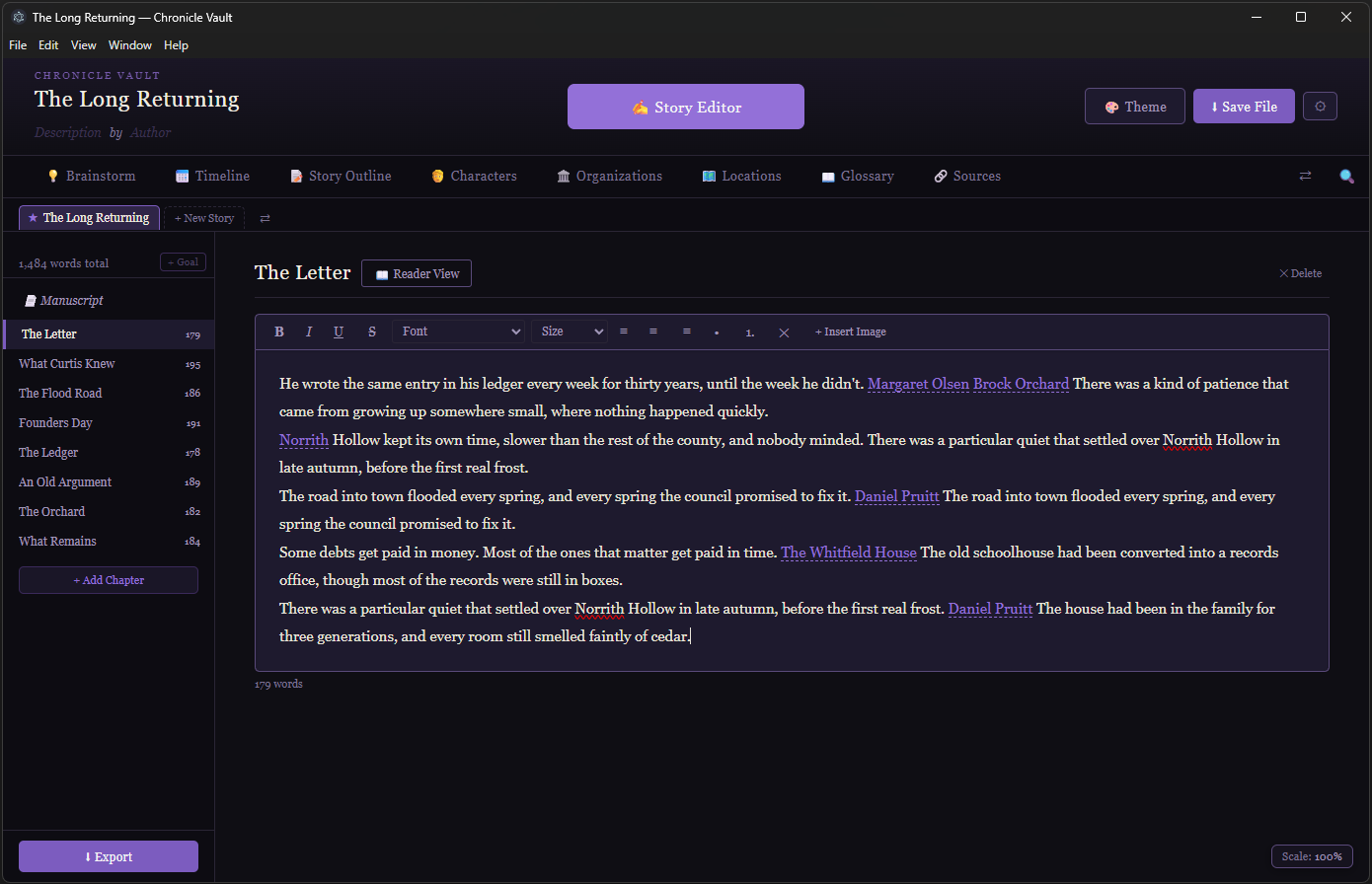
All roads lead here. Every character, place, event, and note you've connected is one click away while you write. Add as many books as your series needs — your world carries across all of them.
Offline-first. Locked up properly.
Even well-run cloud services get breached. Chronicle Vault sidesteps the question entirely: your Lockboxes live on your computer, protected by real encryption and automatic backups you control.
Real encryption, not a gimmick
Lock a Lockbox with a PIN and it's protected with AES-256 encryption. Without the PIN, the file is unreadable. There's no backdoor — if you lose the PIN, there's no recovery, which is exactly the point.
Automatic local backups
Chronicle Vault quietly keeps recent backups of every project as you work. Configure how often and how many to keep. If something goes wrong, an earlier version is already waiting.
Nothing leaves your computer
No cloud sync, no account required to write. Your Lockboxes live on your machine — or any drive you choose, including network and mapped drives.
Save anywhere, access from anywhere
Choose where your Lockboxes and backups are stored — a local drive, an external drive, a network drive, or any mapped drive you have access to. No cloud required to work across machines.

Start with the right setup for your project.
Chronicle Vault ships with templates for fiction, nonfiction, research, investigation, biography, screenwriting, and game masters. Pick one when you create a new Lockbox — or start from Default and build it yourself.
Buy it once. It's yours.
No subscription, no recurring fee, no "your notes are held hostage if you stop paying."